Troubleshooting guide
OBS Audio Crackling: When the Meter Moves but the Recording Has No Source Audio
Category: Video Recording
You are recording game and mic on separate tracks, and the meter moves but the recorded file has no source audio, so you are stuck before a controlled diagnosis is complete. This often overlaps with obs audio crackling symptoms, but the fix starts with isolating the source.
Check the track assignment
Open OBS and go to Edit > Advanced Audio Properties. Confirm the game and mic each have a unique track number checked. If both are on track 1 only, the file may contain a mixed track that your editor ignores. Result interpretation: if only track 1 is checked, the source is not captured on its own track.
Check the recording format
Go to Settings > Output > Recording. If the format is FLV or MKV, some editors do not expose separate tracks. Switch to MP4 or MOV with multiple audio tracks enabled. Result interpretation: if the format does not support multiple tracks, the source will appear missing even though the meter moved.
Verify with a short test
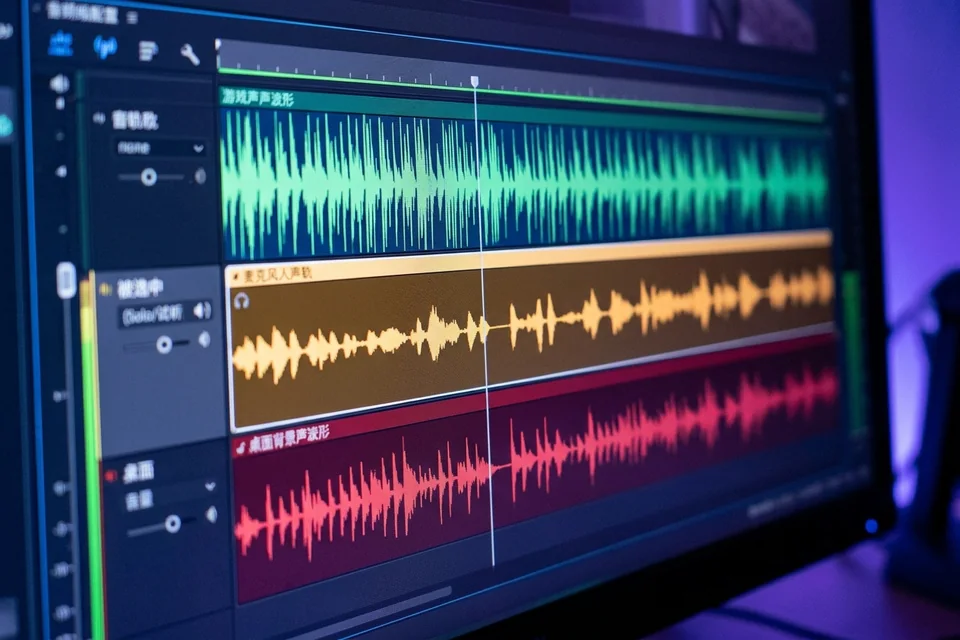
Record 10 seconds while speaking and playing game audio. Open the file in a player that shows audio tracks, such as VLC under Audio > Audio Track. If track 2 or 3 is silent, the source is not being written. If all tracks show audio, the issue is in your editor.
Rollback and recovery
Before changing more settings, export your current scene collection via Scene Collection > Export. If a change makes things worse, import the backup to restore your previous track layout. Then repeat the short test to confirm the source is captured.
If the meter still moves but the file has no source audio after these checks,
Ask for help with your OBS log and a sample recording.