Troubleshooting guide
OBS Application Audio Output Capture: Meter Moves but No Source Audio in Recording
Category: Video Recording
obs application audio output capture. You are recording a game and mic on separate tracks, and at the audio source is not captured step the meter moves but the file has no source audio. Let’s diagnose this in a controlled way before changing anything else.
Check the track assignment
Open the Advanced Audio Properties for your application audio output capture source. Confirm the source is assigned to a track that is actually recorded. If it is only on a track you do not include in output, the meter will still move but the file will be silent. Exact result: the source must have at least one enabled track that matches your recording output track.
Check the source type and device
Right-click the source, open Properties, and verify the correct application or output device is selected. If the application restarted, the capture may point to a stale process. Re-select the running application and click OK. The meter should respond only when that application plays audio.
Check monitoring and output routing
In Advanced Audio Properties, set monitoring off unless you need it. Then confirm the source is not muted and its volume is above zero. A moving meter with a muted source or wrong track still produces silence.
Verification test
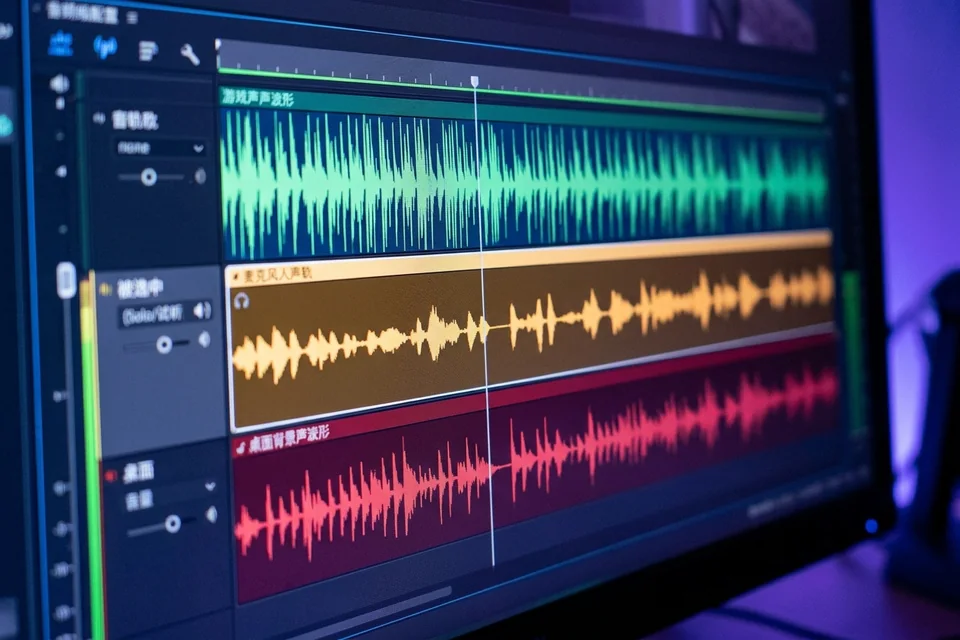
Record ten seconds with the application playing a known sound and speak into the mic. Stop recording, open the file in a player, and solo each track. You should hear the application audio on its assigned track and the mic on its own. If the application track is still silent, repeat the track assignment check.
Rollback note
If you changed multiple audio settings, revert to your last working scene collection backup before retesting. This isolates the fix.
If the meter still moves but the file stays silent after these checks,
Ask for help with your OBS log and a short test recording.