Troubleshooting guide
OBS Application Audio Capture Not Working: When the Meter Moves but the File Is Silent
Category: Video Recording
You are recording a game and mic on separate tracks, and at the audio source is not captured step the meter moves but the recorded file has no source audio. Let’s diagnose this in a controlled way before changing anything else.
Check the track assignment first
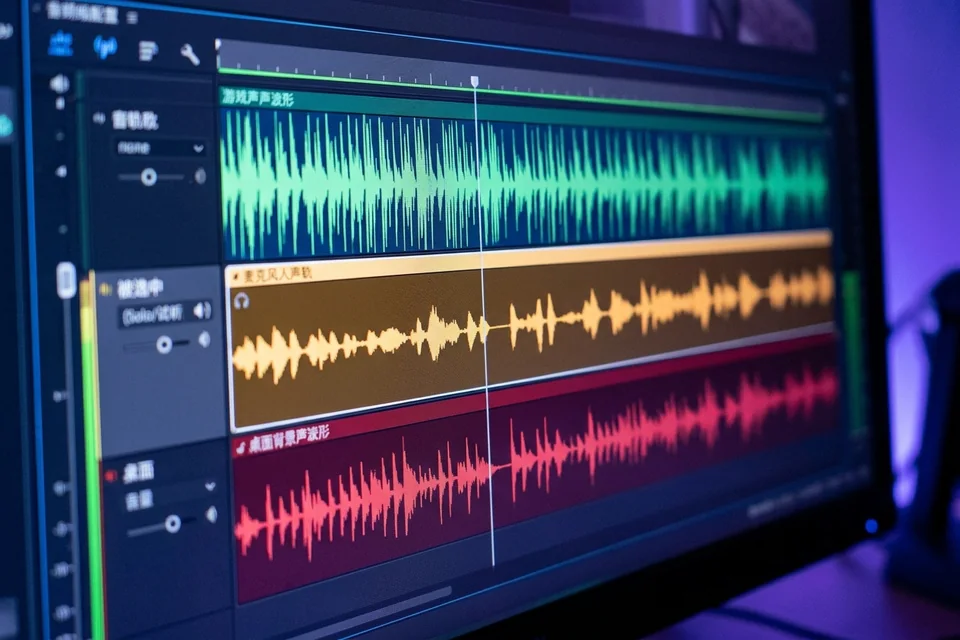
Open the Advanced Audio Properties window (the gear icon in the Audio Mixer). Find your application audio source and confirm which track numbers have checkmarks. A moving meter only proves the source is live; it does not prove the source is routed to a recorded track. If the source is checked on track 3 but your recording output only includes tracks 1 and 2, the file will be silent for that source. Exact result to expect: the source must have a checkmark on at least one track that is enabled in Settings > Output > Recording > Audio Track.
Confirm the recording output track list
In Settings > Output, set the recording format to a container that preserves multiple tracks, such as MKV or MP4, and verify the Audio Track checkbox list matches your source assignments. If you record to a format or setting that downmixes to one track, the application audio can disappear even though the meter moved.
Run a verification test
Record 15 seconds with the game sound audible. Stop, then open the file in a player that shows track selection, or remux the MKV to MP4 in OBS (File > Remux Recordings). Play each track separately. Expected result: the application audio track should contain game sound. If it is silent, return to Advanced Audio Properties and re-check the track routing.
Rollback note
If you changed track assignments and the result is worse, revert to your previous Advanced Audio Properties layout before making further edits. This keeps the diagnosis controlled.
If the meter still moves while the file stays silent, this is a common obs application audio capture not working routing issue rather than a source failure.
Ask for help with your track layout and output settings.