Troubleshooting guide
Audio Capture Device OBS: Meter Moves but the Recording Has No Source Audio
Category: Video Recording
You are recording game and mic on separate tracks, and at the audio source is not captured step the meter moves but the recorded file has no source audio.
Check the source’s track assignment
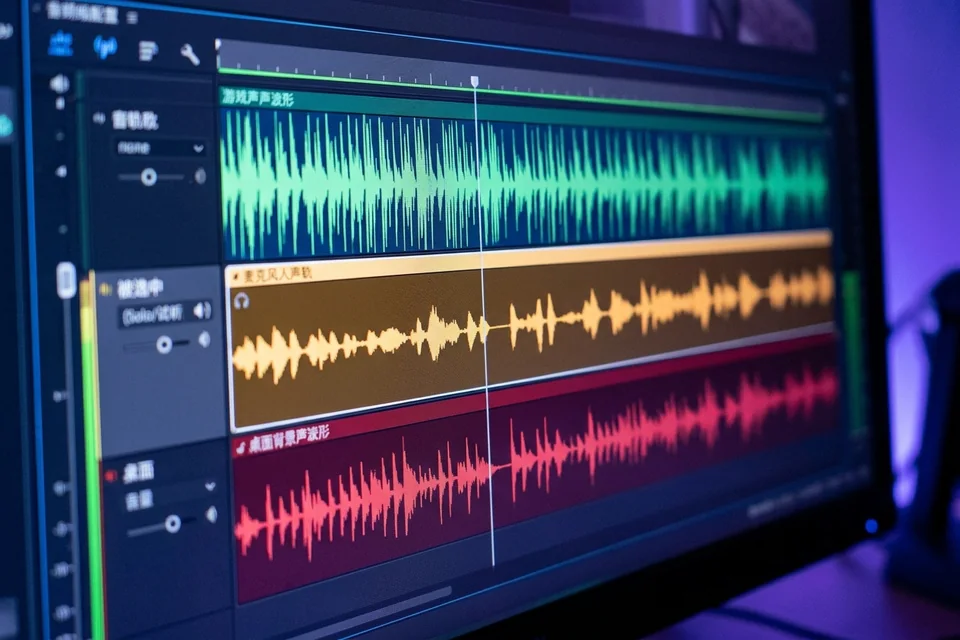
Open the source’s properties and confirm the correct device is selected, then open Advanced Audio Properties. Each source must have at least one track enabled that the recording output also uses. If the meter moves but the file is silent, the source is likely routed to a track that is not being written. Enable the source on the same track you expect in the file, and note which track number that is.
Check the output track selection
In Settings, Output, Recording, confirm the recording format supports multiple tracks and that the track list includes the track you assigned. If only one track is written, sources routed elsewhere will be silent in the file even though the meter moves. Match the output tracks to your source assignments.
Verify the audio capture device obs path
Confirm the audio capture device obs is the one actually receiving signal, not a duplicate or virtual device. Disable other sources temporarily so only the suspect source is active, then record ten seconds while speaking or playing game audio.
Verification test
Record a short clip, then play it back in a player that shows track selection, or re-import it into OBS. If the meter moved during recording and the file now contains the source on the expected track, the routing is fixed. If it is still silent, recheck the track number against the output list.
Rollback and recovery
If a change makes things worse, revert the Advanced Audio Properties track assignments to their previous state and restore the prior output track selection before testing again. Keep a note of the working track numbers so you can return to them.
If the meter still moves while the file stays silent after these checks,