Troubleshooting guide
Application Audio Capture OBS: Meter Moves but No Source Audio in Recording
Category: Video Recording
You are recording a game and mic on separate tracks, and at the audio source is not captured step the meter moves but the recorded file has no source audio. Let’s diagnose this in a controlled way before changing anything else.
Check track routing for the application source
Open the Advanced Audio Properties window (click the gear icon in the Audio Mixer). Find your application audio source row. Under Tracks, confirm the track you intend to record is checked. If only Track 1 is checked but your recording settings expect the source on Track 2, the meter will still move because the source is live, yet the file will not contain that audio. Check the track that matches your recording output. Result interpretation: if no track is checked for that source, OBS meters it but never writes it to the file.
Confirm the source is assigned to the correct output
In Settings > Output, verify the recording track selection matches the track you checked. If you record Track 1 only, the application source must be on Track 1. If you use multiple tracks, ensure the source’s track is included in the recording output. A mismatch here produces exactly the symptom you see: live meter, silent file.
Verification test
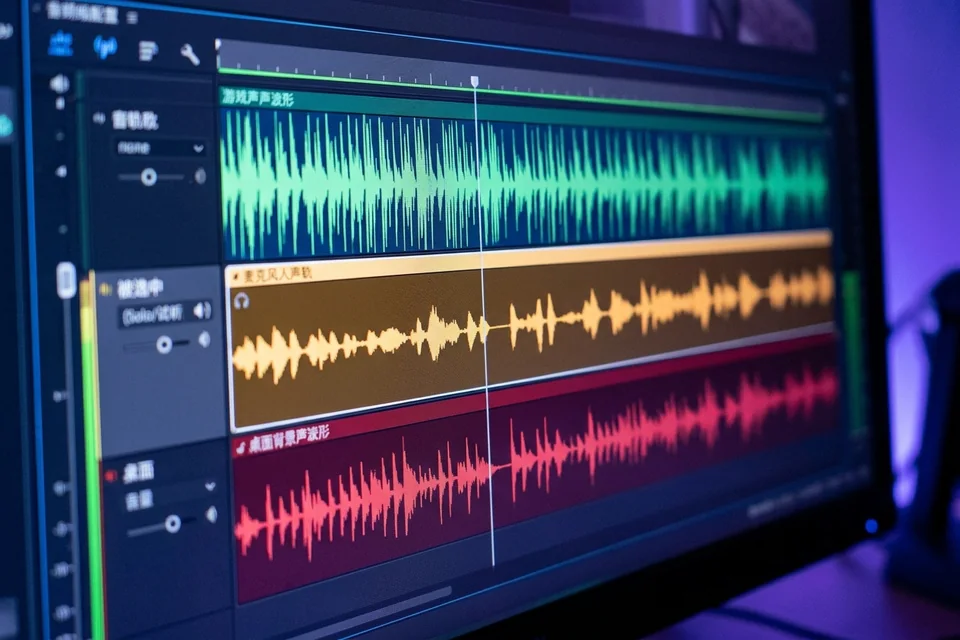
Make a ten-second test recording with the application playing sound. Stop, then open the file in a player that shows track selection. If the source track is present but silent, recheck the track checkbox. If the track is absent, the source was not routed to the recorded track. This isolates routing from capture.
Rollback and recovery
Before further changes, note your current track checkboxes and output settings. If a change makes things worse, restore those exact values. For application audio capture obs, keep one source per application and avoid duplicating tracks until the test file confirms audio.
If the test still fails,
Ask for help with your track settings and test result.