01
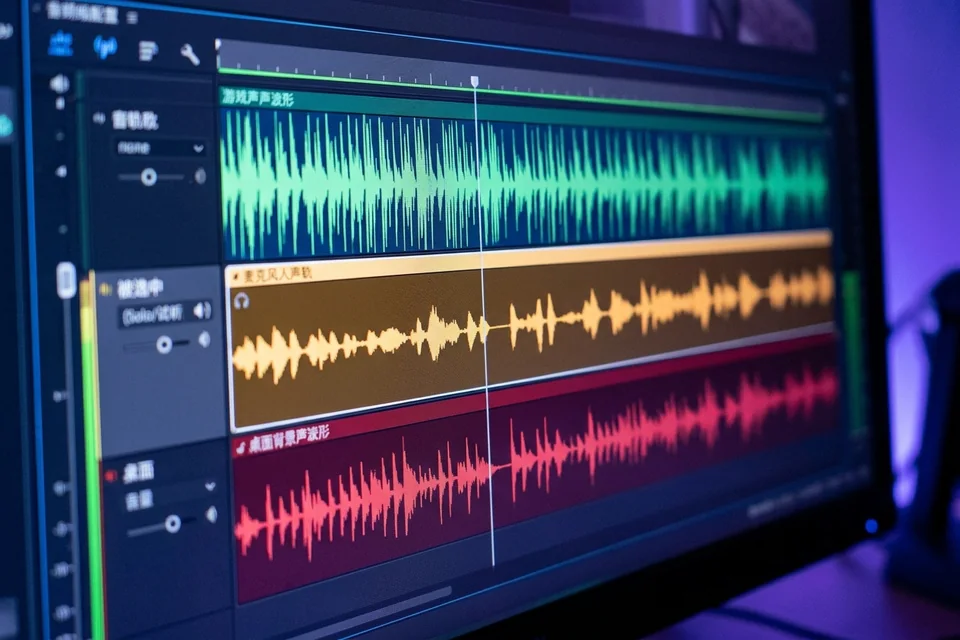
The file has one track
A recording that should contain mic and desktop audio plays only the first track in a video editor.

THE THREE FAILURES WE SEE
01
A recording that should contain mic and desktop audio plays only the first track in a video editor.
02
The meter moves in OBS, but the intended track is empty after export.
03
The player or editor shows a single mixed stream even though OBS displays several tracks.
HOW WE TEST
SERVICE SCOPE
The session covers one agreed device and one verified path. Anything outside the written scope is quoted separately before work starts.
FAQ
Tracks must be assigned in Advanced Audio Properties and enabled in the recording output. A track can exist in the UI without being written.
Use a recording format your editor reads and that supports multiple audio streams. Test the exact container before a long session.
We can inspect it, but a missing stream usually cannot be reconstructed. The safe path is to fix routing and record a new test.
NEXT STEP
Send the device, software, exact symptom, and what you have already tried. We will confirm scope and a fixed quote before booking.
No passwords. A real reply comes from [email protected].
FROM THE BLOG
Fix an OBS recording where the meter moves but the file has no source audio. Check plugin filters, track routing, and run a controlled verification test.
Fix OBS recordings where the meter moves but the file has no source audio. Check track assignments, advanced audio properties, and output settings.
Fix OBS on Mac when the audio meter moves but the recorded file has no source audio. Step-by-step checks for audio output capture, track routing, and a verification test.
Fix OBS audio output capture when the meter moves but the recording has no source audio. Step-by-step checks for track routing, monitoring, and verification.
Fix OBS audio input capture when the meter moves but the recorded file has no source audio. Step-by-step checks for track assignment, monitoring, and verification.
Fix OBS on Mac when a source meter moves but the recorded file has no audio: check track assignment, macOS permissions, and run a quick verification test.
Fix OBS audio capture when the meter moves but the recorded file has no source audio. Step-by-step checks for separate-track recordings, plus a verification test.
Fix OBS on Mac when the audio meter moves but the recorded file has no source audio. Step-by-step checks for track routing, monitoring, and verification.
Troubleshoot OBS when the audio meter moves but the recorded file has no source audio. Step-by-step checks for track routing, monitoring, and encoder settings.
Troubleshoot OBS when the meter moves but the recorded file has no source audio. Step-by-step checks for audio capture device OBS settings, track routing, and a verification test.